
The Secret Garden
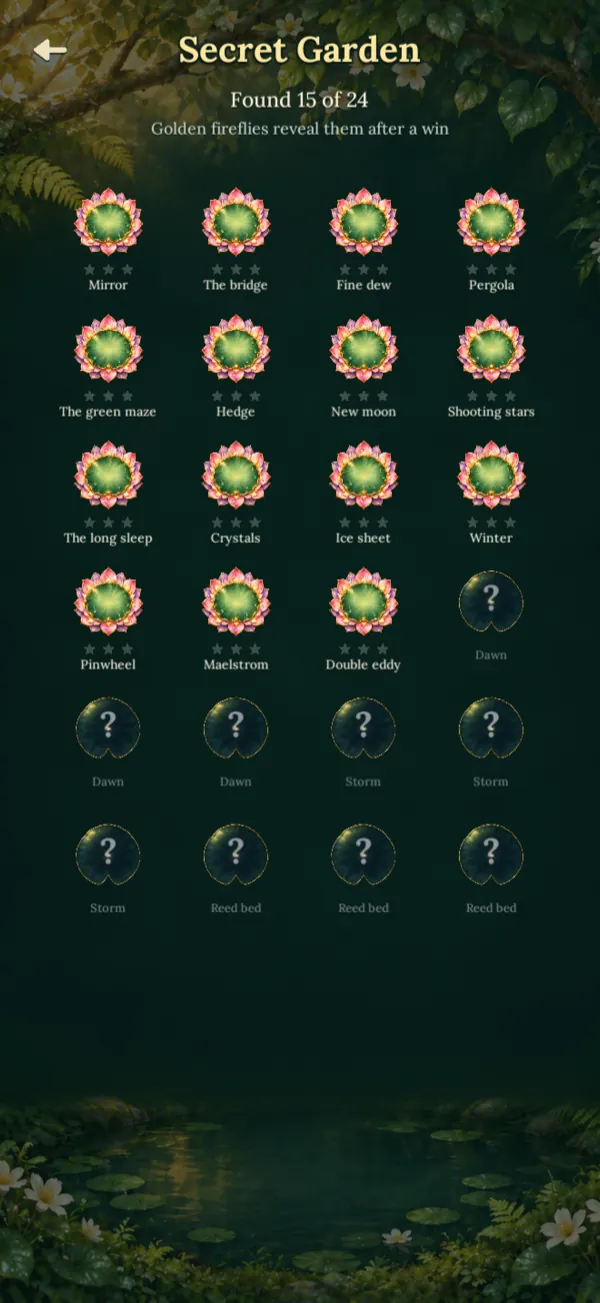
After a win, now and then, a golden firefly brings you a secret pond. The ponds you discover stay in the Secret Garden, ready to play; the ones still hidden wait as silhouettes.



Make the pond bloom
Tap the water, move the water lilies and make them bloom in a few taps. Every pond is a small hand-made puzzle: look, think, then tap.
iPhone and Android · free, with ads you can remove
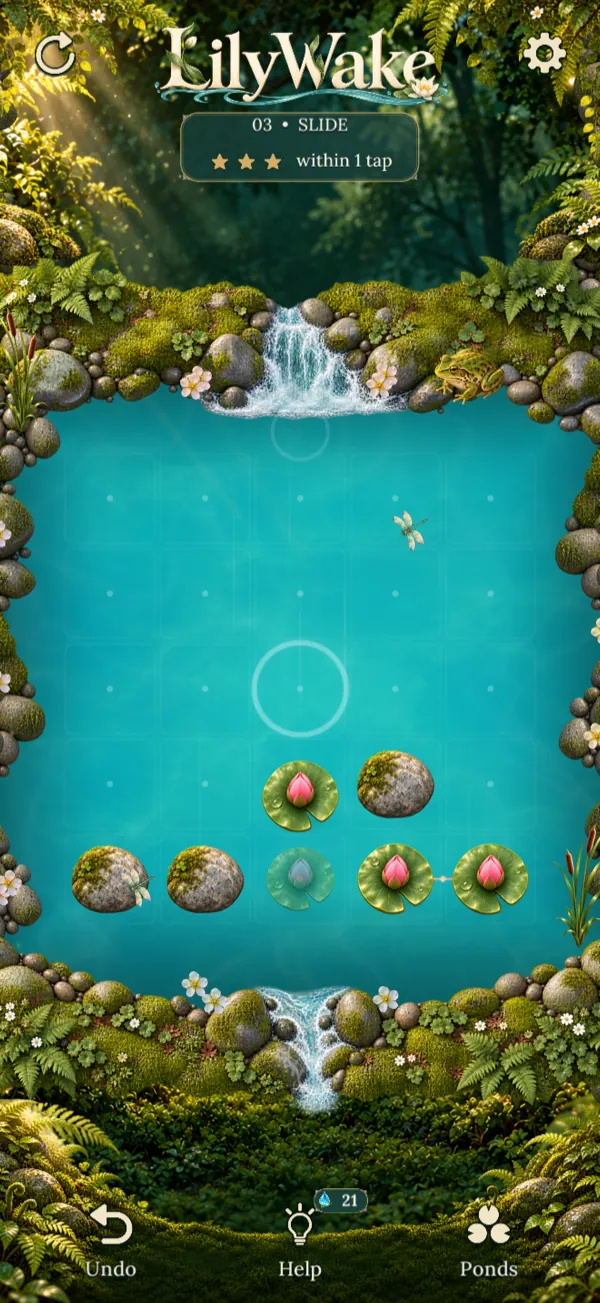
The same pond, at three moments.
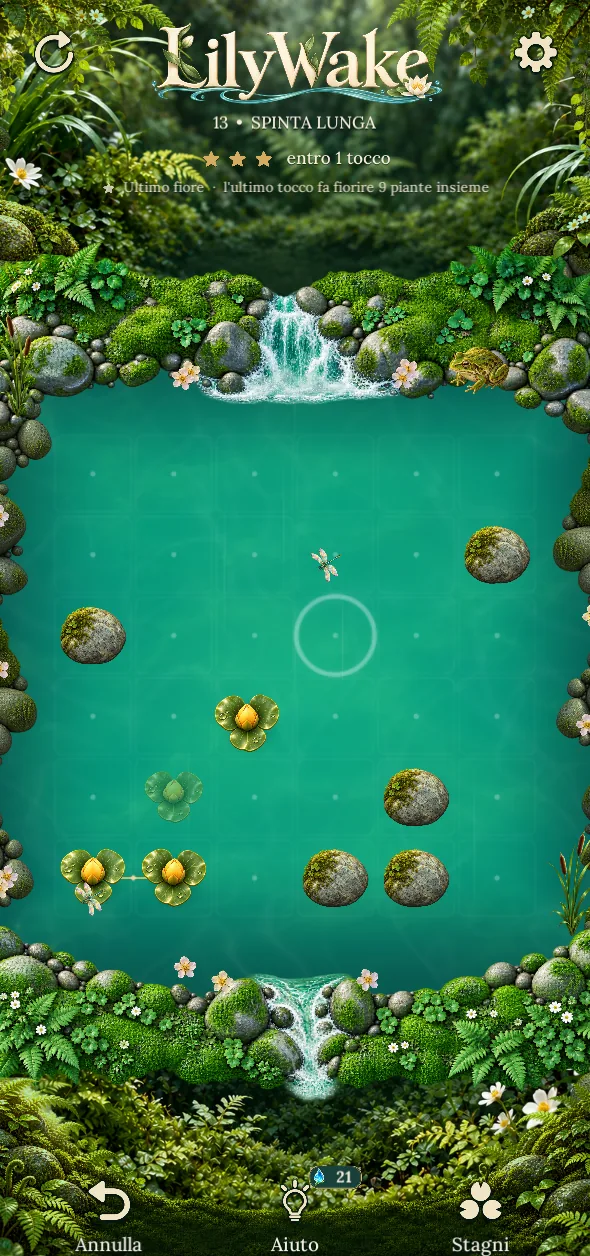
Pick a square of water: the wave pushes every lily around it by one square, diagonals included. Lilies in a row push each other; banks and stones stop them.
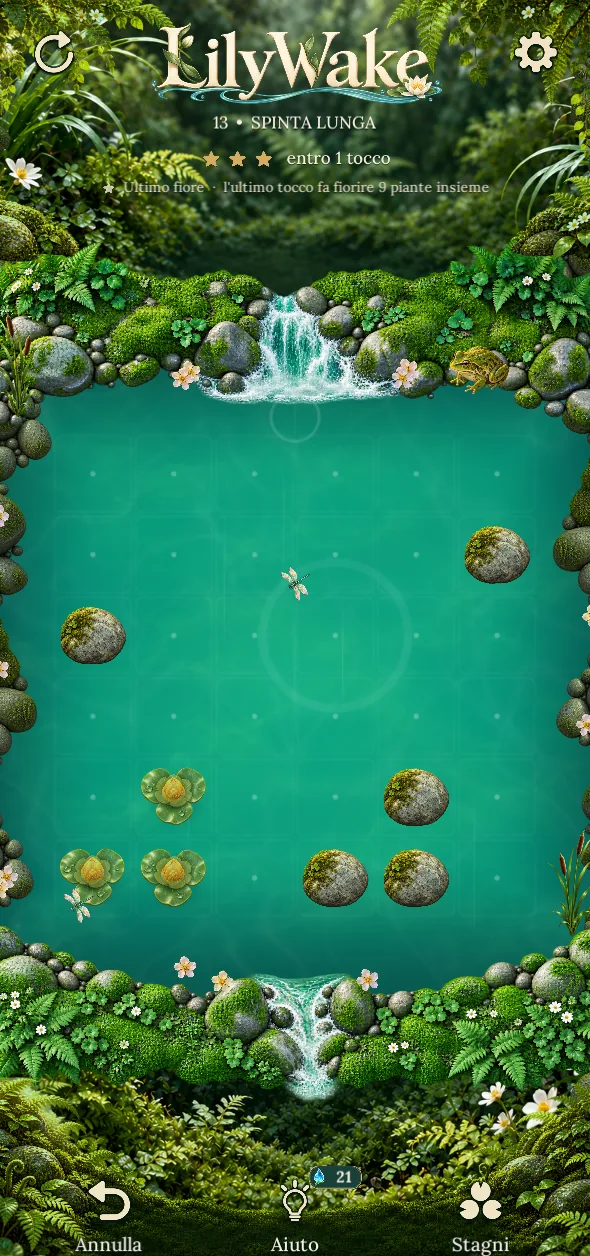
Three or more lilies of the same colour that touch side by side bloom and leave the pond.
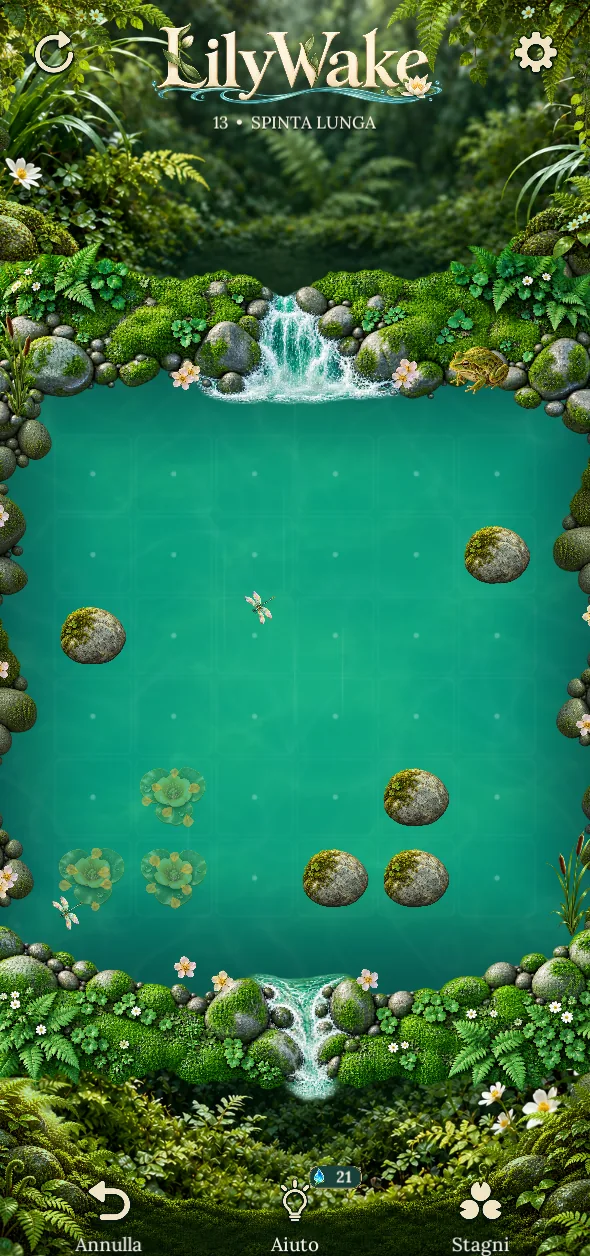
After every bloom the current carries all the lilies one square downstream. If new groups form, they bloom too: a single tap can start a chain.

Go back one tap whenever you like: it’s always free.
Hold down on the water to see where the lilies will go. Release outside the pond to cancel.

The pond is complete when every water lily has bloomed.
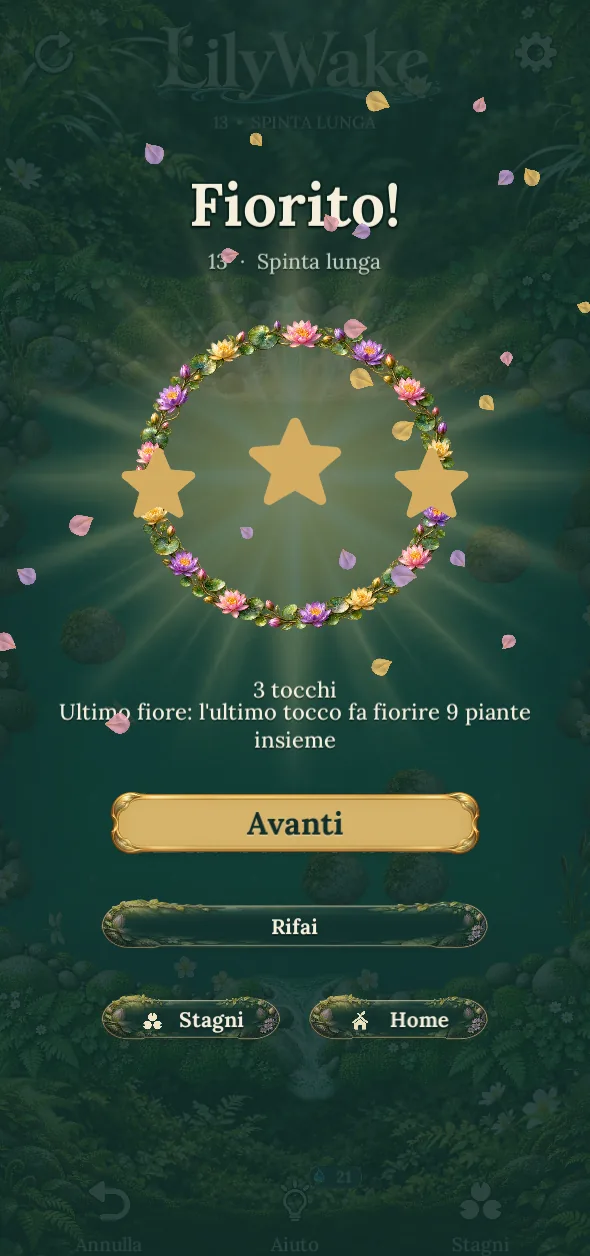
Every pond has a solution to find. Finishing is already a win; finishing in a few taps is worth three stars.
Under the pond’s title you’ll see the taps for three stars. More taps, fewer stars, but the pond still counts as complete.

Undo and Restart are always there. If the pond can no longer be finished, the game tells you.

The stars you collect open the next chapter: you move on by playing.
From morning to the reed bed: 96 ponds along the way, 12 per chapter, plus 24 secret ponds to discover.

Chapter 1
Morning wakes on the water
The basics: the wave, rows of lilies, the current and stones.

Chapter 2
A garden hidden among the ferns
Fireflies to catch, and the first challenge pond, with limited taps.

Chapter 3
Fireflies light up the night
Wider ponds and longer chains, by firefly light.

Chapter 4
The frost holds the leaves still
Frozen lilies don’t move: they thaw when something blooms next to them.

Chapter 5
The water turns on itself
A lily that enters a whirlpool turns and carries on; if the exit is blocked, it bounces back.

Chapter 6
Everything wakes with the light
Ice and whirlpools together, in the same ponds.

Chapter 7
The storm stirs the pond
A fourth flower, the blue iris: four colours to bring together.

Chapter 8
The reeds hold the leaves
Among the reeds the current can’t carry lilies away: they stay until a wave pushes them out.
Each water lily has its own colour and blooms only with its own kind. If you prefer, the settings add colour-blind symbols.
 Violet rosette
 Pink lily
 Golden poppy
 Blue iris
Beyond the main path, the pond hides a few things.
After a win, now and then, a golden firefly brings you a secret pond. The ponds you discover stay in the Secret Garden, ready to play; the ones still hidden wait as silhouettes.

Once the first chapter is done, there’s a new pond to solve every day. Play day after day to grow your streak. Another pond tomorrow.

In some ponds a firefly is flying: you don’t need it to finish, but it counts for the chapter. To catch it, make something bloom on its square or right next to it.
Real screenshots of LilyWake.
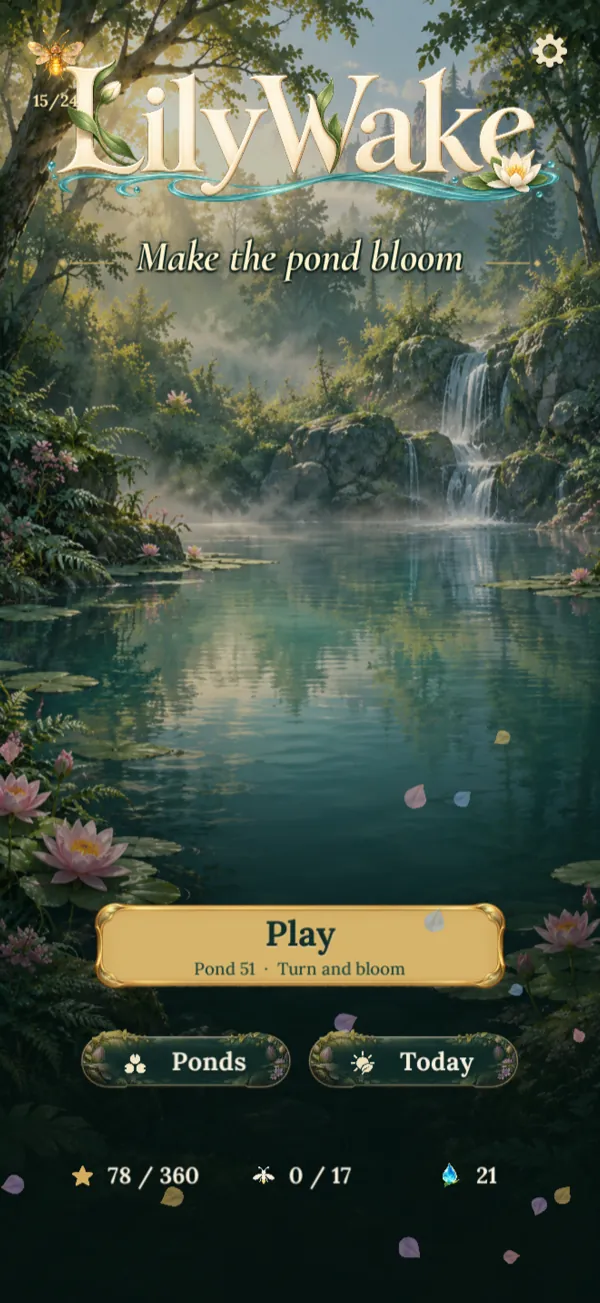
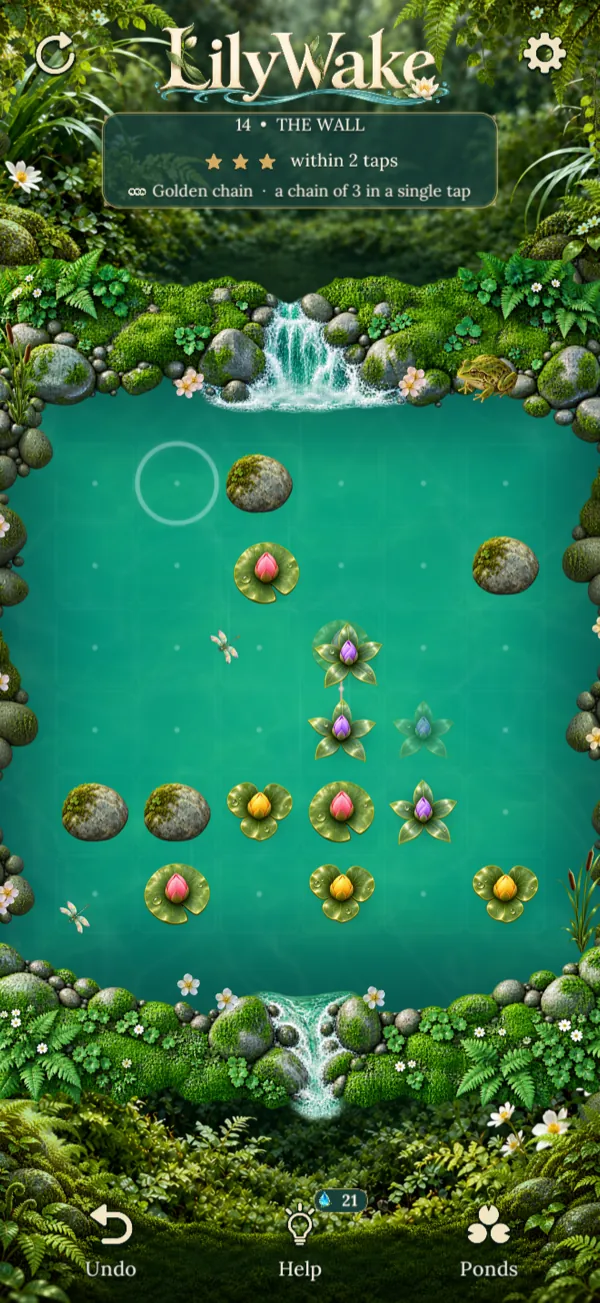
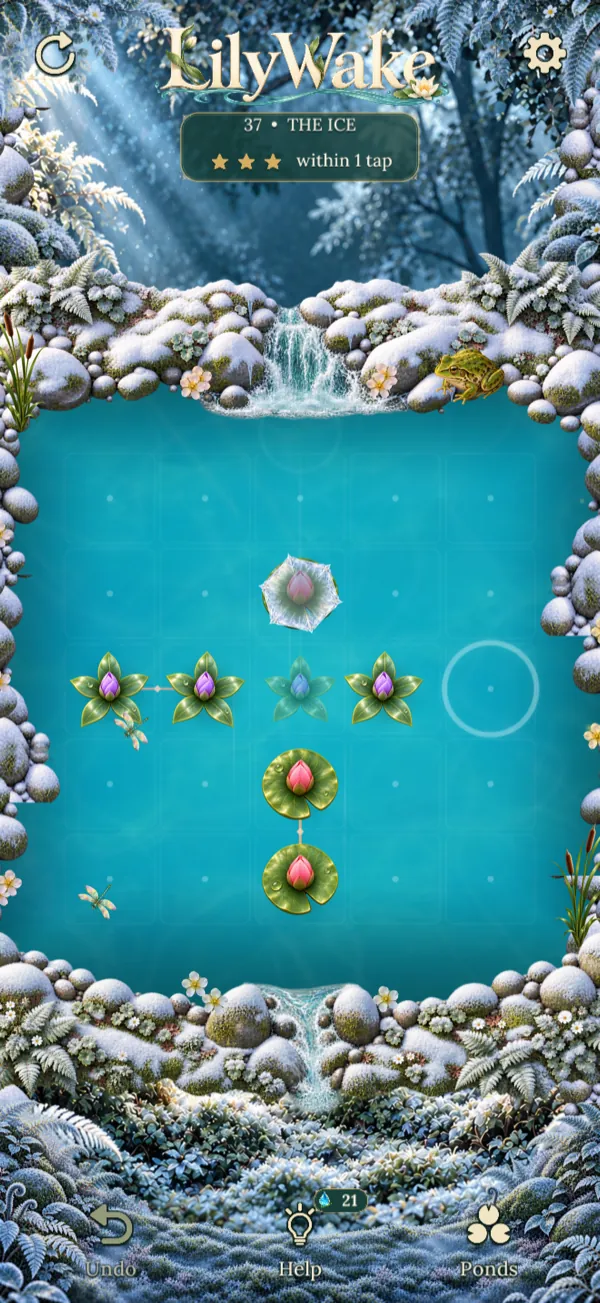
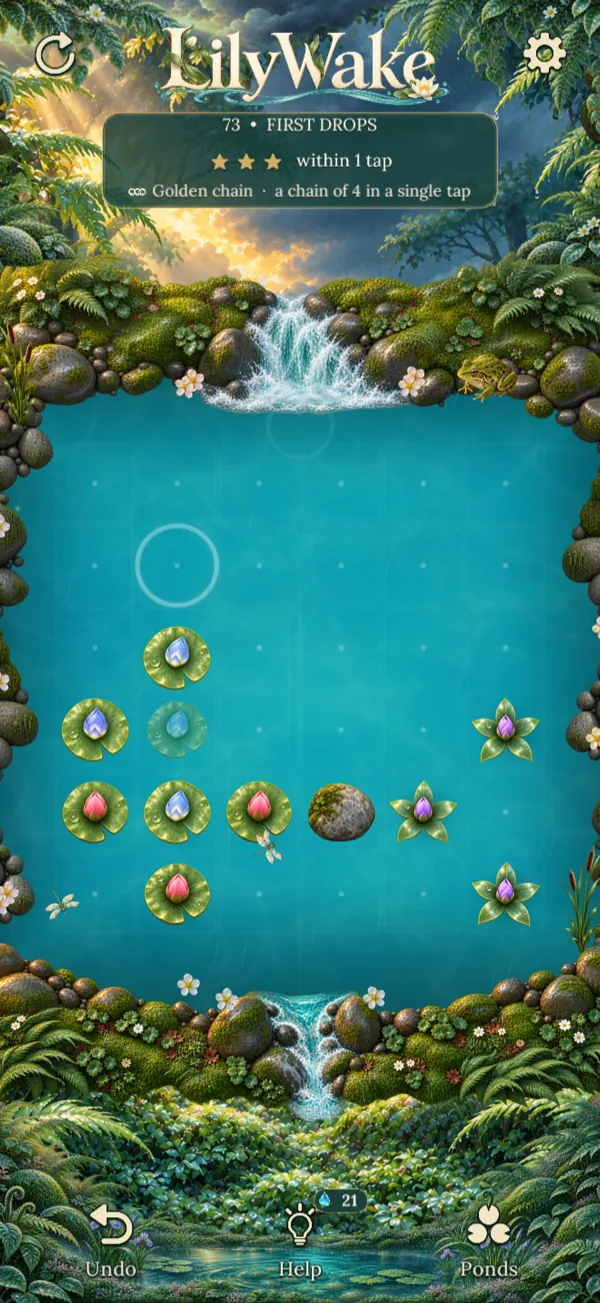
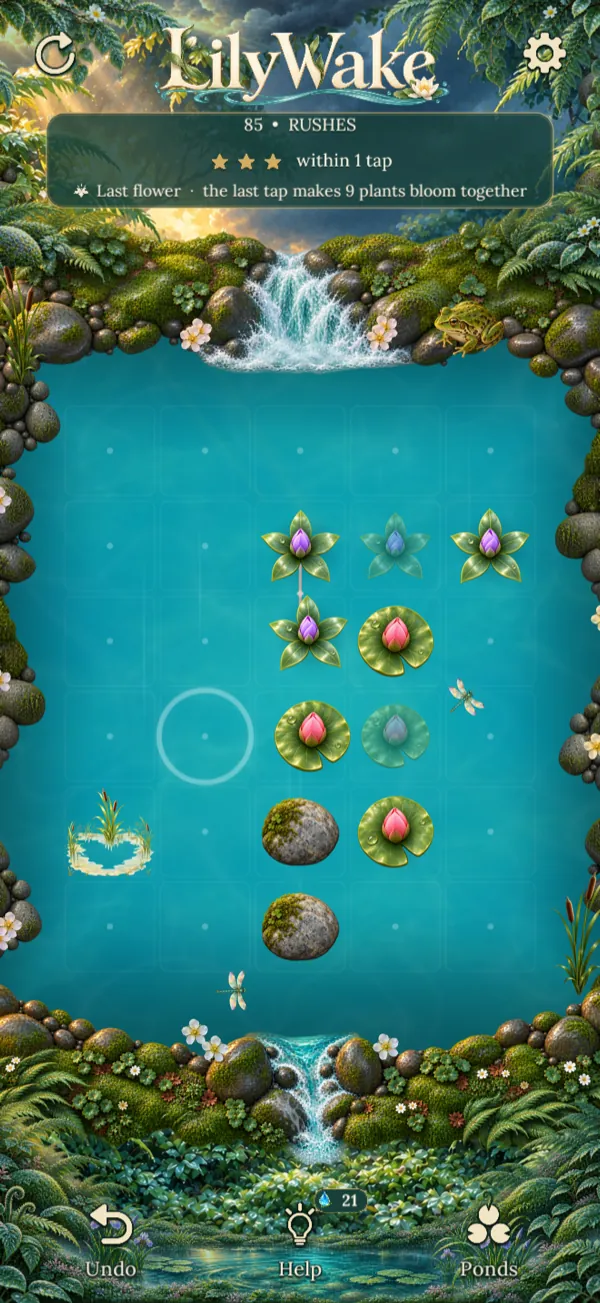
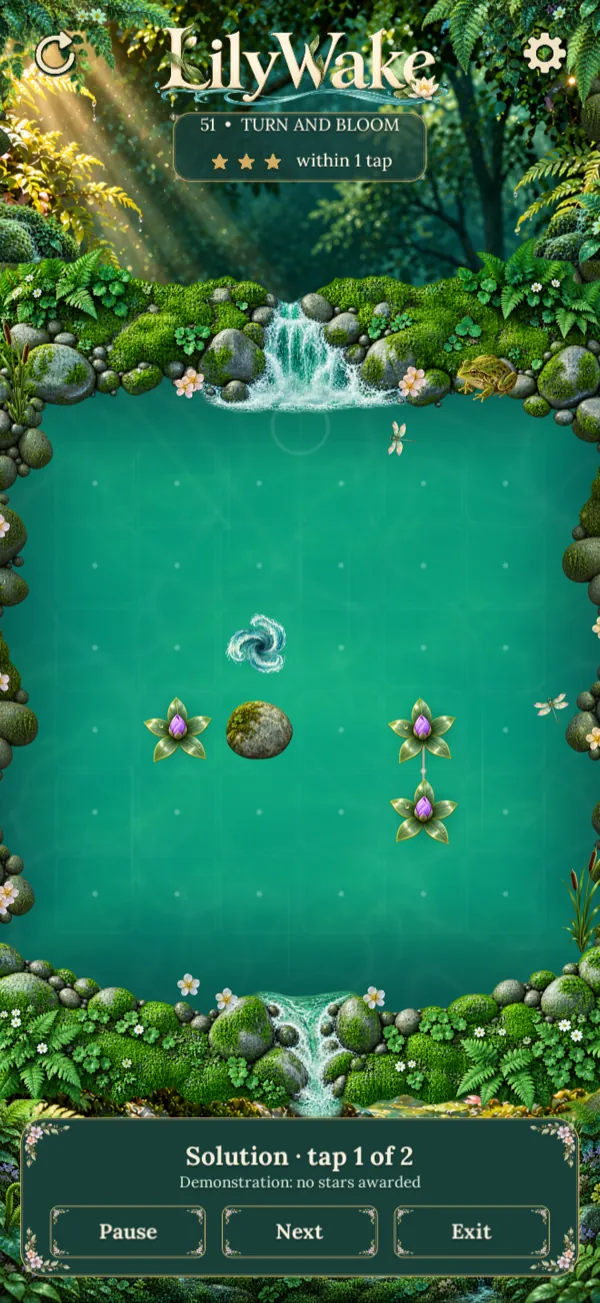
The whole journey opens up as you play. No chapter is paid.
An automatic ad may appear now and then at the end of a new pond, never while you play and never after the pond of the day or a secret pond.

Dew pays for help: the next tap or the full solution. You collect it by playing, with the pond of the day, secret ponds and the morning dew.

If you want more dew you can watch a short video, only when you choose to. There’s a limited number per day.

A one-time purchase removes the automatic ads between ponds for good. Videos for dew stay, always optional.
The price of “No ads” is the one shown by the store in your country.
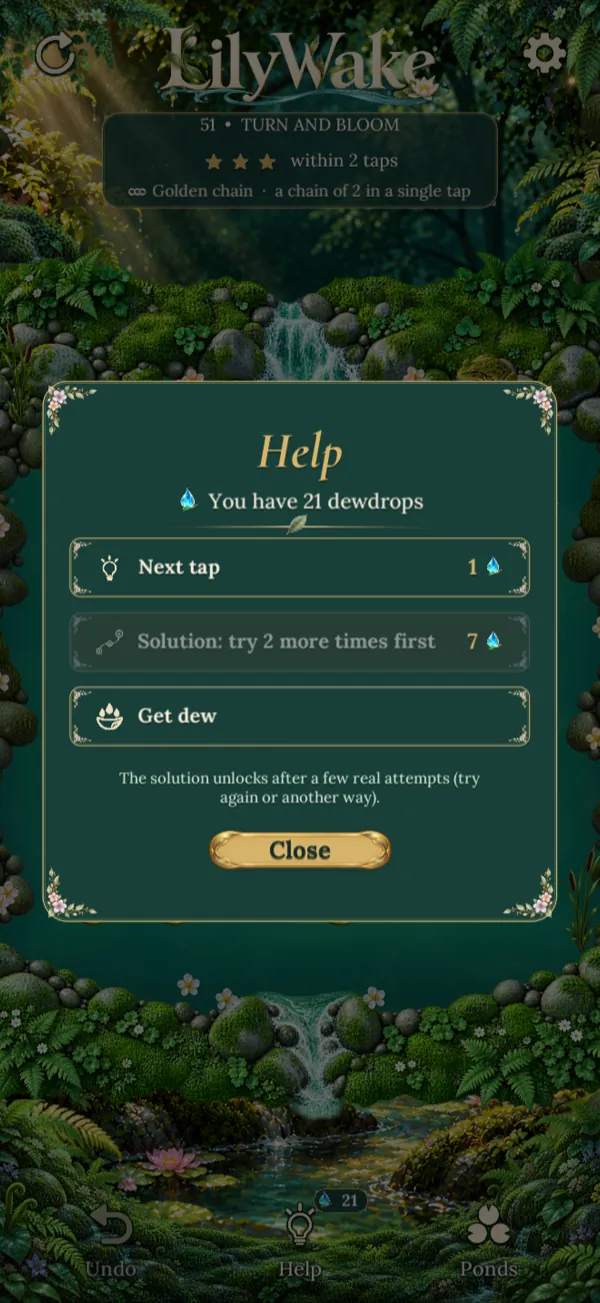
The first chapter teaches one rule at a time and every chapter adds a new idea. Undo is always free and, if you get stuck, help shows the next tap or the full solution.
Not in normal ponds: you can undo and restart as much as you like. Only challenge ponds have limited taps, and you can skip them.
The automatic ads between ponds. Videos to earn dew remain available, but they only play when you choose them.
Ponds can be played offline too. A connection is needed for optional videos, purchases and showing ads.
On your device: stars, dew and discovered ponds don’t need an account. If you uninstall the game, progress is deleted; the “No ads” purchase can be recovered with “Restore purchases”.
Italian, English, Spanish, French, German and Portuguese. The game follows your phone’s language and you can change it in Settings › Language.


LilyWake is coming to iPhone and Android.